The Ultimate Guide to Managing Digital Documents in 2026
Published on July 10, 2026
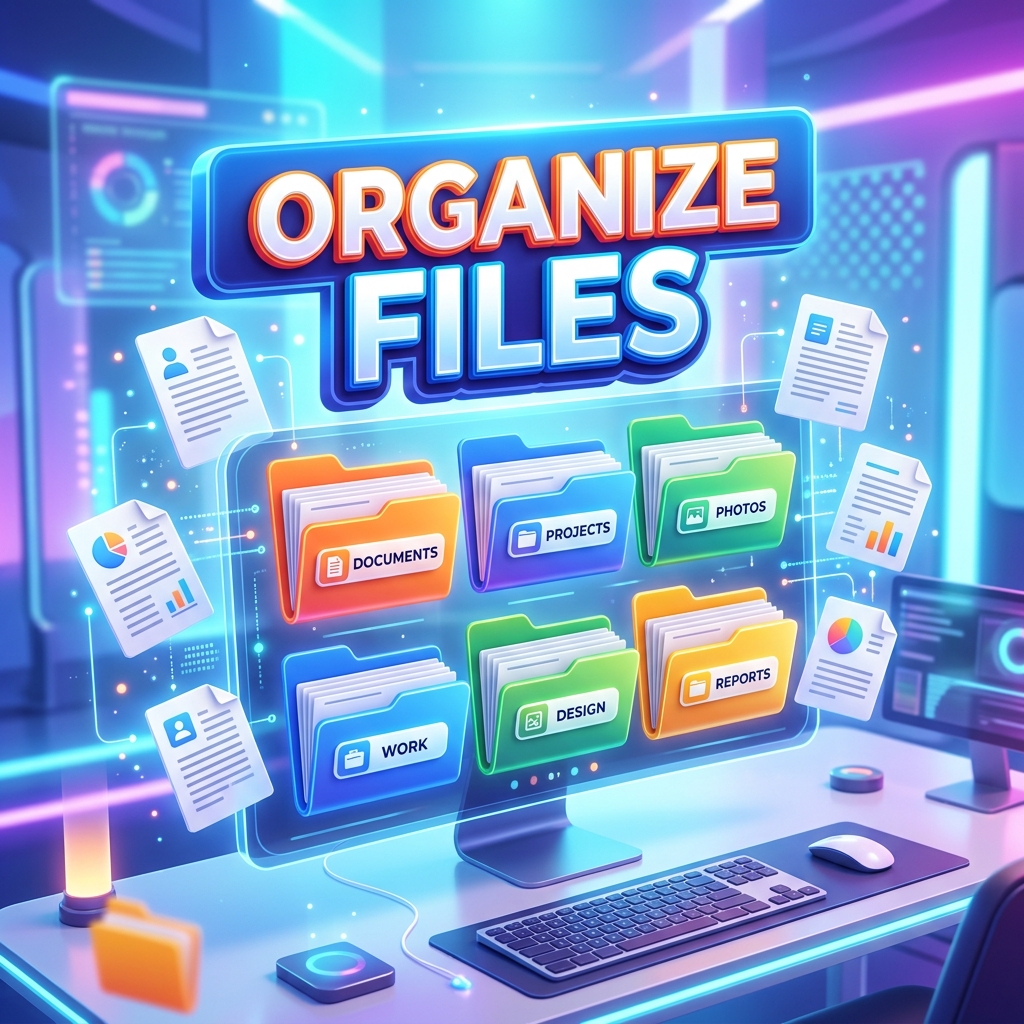
The Digital Clutter Problem
We've successfully moved away from the era of filing cabinets and stacks of paper, but for many professionals and students, digital filing is just as messy. Your desktop is littered with files named "Document_FINAL_v3_really_final.pdf", your email inbox is rejecting attachments for being too large, and you can never find the specific invoice you need.
Mastering digital document management isn't just about having the right folders; it's about optimizing the files themselves. Here is the ultimate workflow to streamline your digital life using DocFixer.in.
Step 1: Digitize and Standardize
The first rule of a paperless office is that everything should be a PDF. It is universally accepted, locks in formatting, and is highly secure.
If you have screenshots, photos of documents, or scans saved as JPEGs, your first step should be converting them. Use a JPG to PDF converter to turn those scattered images into professional, standardized documents.
Step 2: Consolidate Your Files
Sending a client five different PDF attachments is annoying for them and chaotic for you. If documents belong together (e.g., a cover letter, a resume, and a portfolio), they should be one file.
Make it a habit to use a PDF Merger to combine related documents into a single, cohesive file with a clear table of contents.
Step 3: Optimize for Sharing (Compression)
Email providers typically cap attachments at 25MB. Even if you use Slack or Discord, uploading massive, unoptimized PDFs wastes bandwidth and storage space.
Before you hit "send" or "upload", run your documents through a PDF Compressor. A good compressor will strip out unnecessary metadata and optimize embedded images, often reducing a 30MB file down to 3MB without making the text blurry or illegible.
Step 4: Naming Conventions
Finally, implement a strict naming convention. Stop naming files arbitrarily. A good standard looks like this: [Date]-[ProjectName]-[DocumentType].pdf (e.g., 2026-07-20-DocFixer-Invoice.pdf). This makes searching for files on your computer incredibly fast.
Take Control of Your Documents
Managing files doesn't have to be a headache. By standardizing to PDF, merging related files, compressing for speed, and naming things clearly, you'll save hours of frustration every month. Bookmark DocFixer.in today to have all the tools you need to maintain a pristine digital workspace.