How to Merge PDF Files Online Free and Securely (2026 Guide)
Published on July 20, 2026
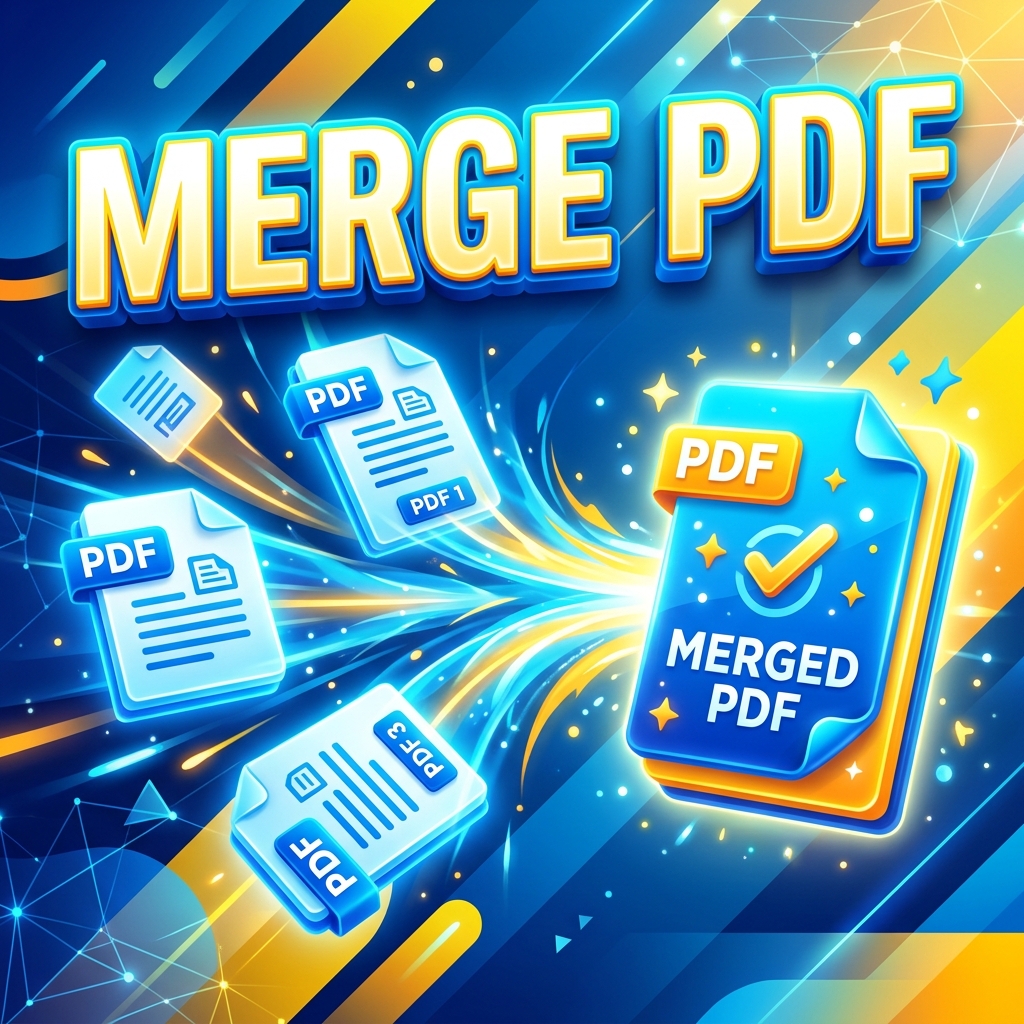
Why Merging PDFs is Essential for Productivity
Whether you're compiling end-of-month financial reports, putting together a portfolio for a job application, or organizing legal documents, dealing with dozens of separate PDF files can be a nightmare. Sending multiple attachments in an email not only looks unprofessional but also increases the chances of the recipient missing a crucial file.
The solution? You need to merge PDF files into one cohesive document. But if you've ever tried searching for a "merge PDF online free" tool, you know the internet is full of slow, ad-heavy websites that often put your privacy at risk by uploading your documents to unknown servers.
The Risks of Standard Online PDF Mergers
Most free tools you find on Google work via a cloud-based server. This means when you want to combine PDFs, the process looks like this:
- You upload your private document to a third-party server.
- You wait in a queue for their server to process it.
- You download the final file, hoping they actually delete the original from their database.
If you are handling tax documents, medical records, or signed contracts, this is a massive privacy risk.
How to Combine PDFs Securely with DocFixer.in
At DocFixer.in, we built our Merge PDF tool differently. Our platform processes your files entirely inside your web browser using advanced WebAssembly technology. Your files never leave your device, meaning you get 100% privacy and lightning-fast speeds.
Step-by-Step: Merging Your PDFs
- Open the Tool: Navigate to the Merge PDF page on DocFixer.
- Select Your Files: Click the upload area or simply drag and drop the PDF files you want to combine directly onto the screen.
- Rearrange the Order: Once uploaded, you can drag the files around to put them in the exact order you need them to appear in the final document.
- Click Merge: Hit the "Merge PDF" button. Because DocFixer runs on your local machine's memory, this takes milliseconds.
- Download: Instantly download your perfectly combined, high-quality PDF. No watermarks, no signups required.
Why Choose DocFixer for PDF Merging?
Unlike other popular PDF tools or standard Adobe software, DocFixer.in is heavily optimized for modern workflows. We don't cap your file sizes arbitrarily, we don't stamp ugly watermarks on your professional documents, and we certainly don't ask for your credit card.
Stop wasting time with slow desktop apps or unsafe online tools. Try merging your PDFs today and experience the difference.