How to Convert PDF to JPG (And Why You Might Need To)
Published on July 15, 2026
Why Convert a PDF to an Image?
PDF (Portable Document Format) is the undisputed king of document sharing because it preserves formatting across all devices. However, PDFs aren't perfect for every situation. You can't easily upload a PDF to Instagram, embed a specific page into a blog post without a plugin, or text it to a friend and expect them to see a quick preview.
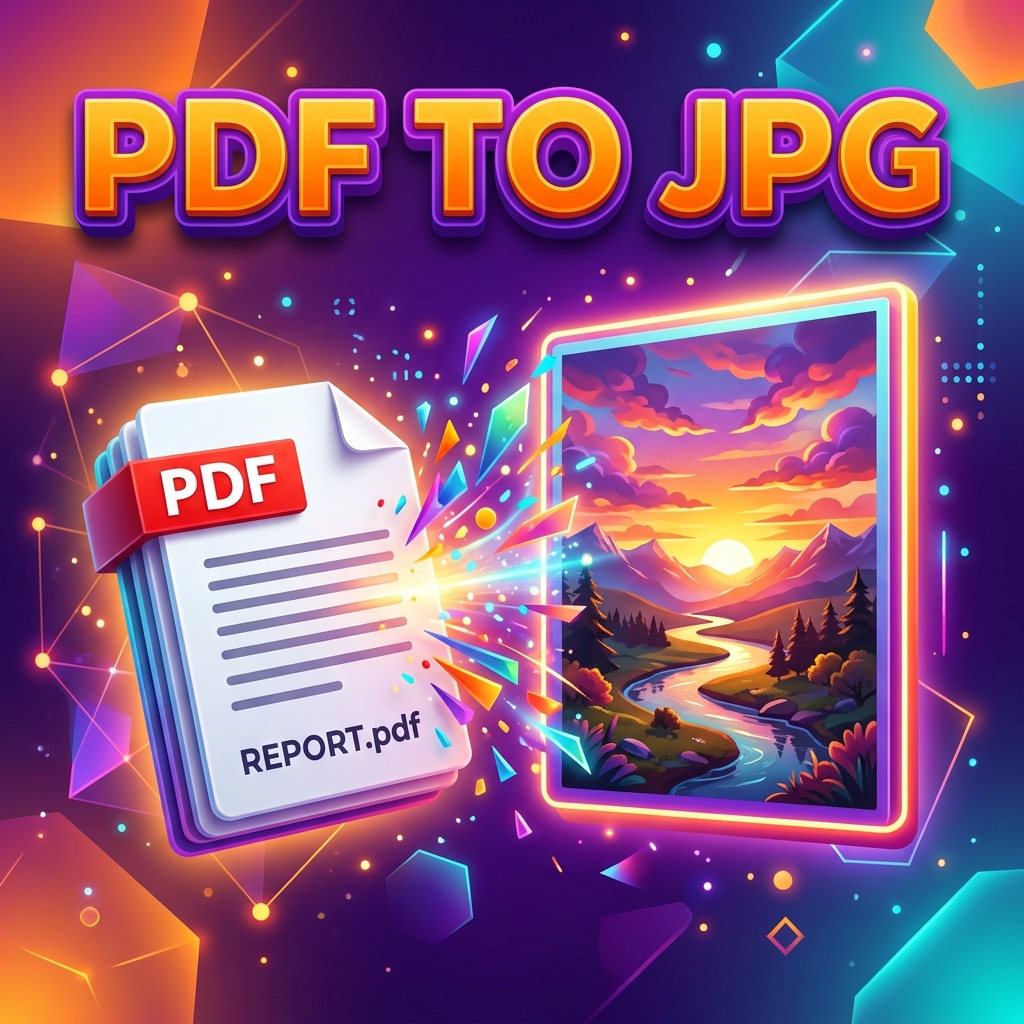
This is where converting a PDF to JPG becomes incredibly useful. By turning document pages into standard image files, you unlock the ability to share them anywhere images are accepted.
Common Use Cases for PDF to JPG Conversion
- Social Media Sharing: Turn a flyer, infographic, or certificate designed in PDF format into a JPG to post on Facebook, Twitter, or Instagram.
- Web Design: Extract a page from a PDF report to use as a thumbnail or preview image on your website.
- Easier Viewing: Send a quick image to someone on WhatsApp or iMessage so they don't have to download and open a PDF reader app.
The Fastest Way to Convert PDF to JPG Online
Forget taking messy, low-resolution screenshots of your screen. To get crisp, high-quality images of your document, you should use a dedicated converter.
With DocFixer's free PDF to JPG tool, you can extract pages in seconds.
- Navigate to our PDF to Image converter.
- Upload your target PDF document.
- The tool will instantly process the file right in your browser (ensuring total privacy) and convert every page of your PDF into a high-resolution JPG image.
- Download the images individually or as a ZIP file.
What About Image to PDF?
Sometimes you need to go the other direction—like when you take a photo of a receipt or homework assignment and need to submit it as a document. If you find yourself in that situation, you can easily use our reverse tool, the JPG to PDF converter, to seamlessly bind your images back into a professional document.