How to Compress Images Without Losing Quality (The Ultimate Guide)
Published on July 18, 2026
The Heavy Cost of Unoptimized Images
In 2026, high-resolution smartphone cameras and modern DSLR cameras capture incredibly detailed photos. While these images look stunning, they come with a massive hidden cost: file size. A single photo can easily exceed 10MB.
If you're a web developer, uploading uncompressed images will destroy your website's load speed and tank your SEO rankings (Google hates slow websites). If you're a student or professional, large images make your PDFs, Word documents, and PowerPoint presentations too large to email.
Lossy vs. Lossless Compression: What’s the Difference?
Before you compress an image, it's vital to understand the two main methods of compression:
- Lossless Compression: Reduces file size without removing any pixel data. It works by finding more efficient ways to store the exact same data. The quality remains 100% identical, but the file size reduction is usually minimal (10-20%).
- Lossy Compression: Carefully removes visual data that the human eye cannot easily detect. This results in massive file size reductions (up to 80-90%) with almost no noticeable drop in visual quality.
The Best Way to Compress Images Online Free
You don't need expensive software like Photoshop to optimize your images. Using a specialized tool like the Image Compressor by DocFixer.in allows you to perfectly balance quality and file size right in your browser.
How to Shrink Image Size Instantly
- Go to the Image Compress tool.
- Drag and drop your bulky JPG, PNG, or WebP files into the dropzone.
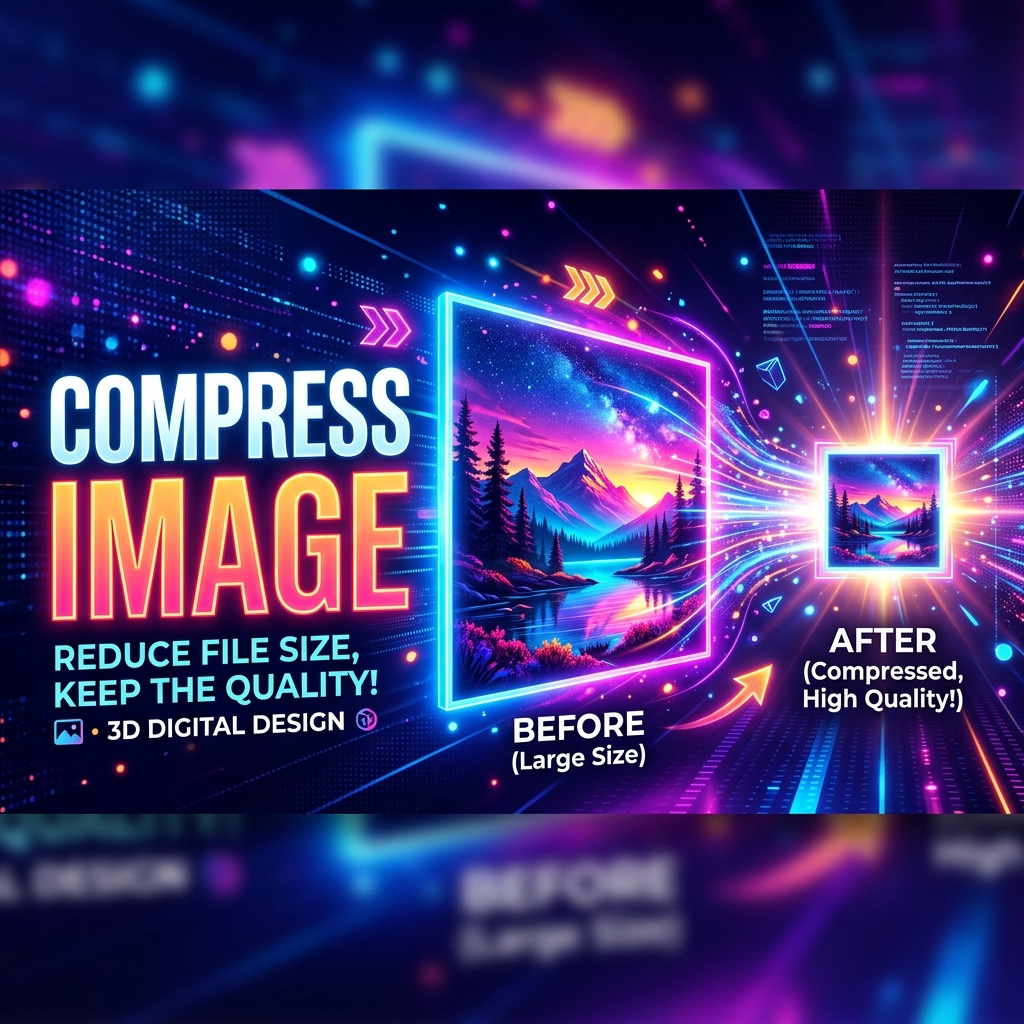
- Use our smart compression algorithm to reduce the file size. You can often turn a 5MB image into a 500KB image without anyone noticing the difference.
- Download your optimized images instantly.
Pro Tips for Web Developers
If you are optimizing images for a website, always try to convert your PNGs and JPGs to WebP format after compressing them. WebP provides superior compression characteristics compared to legacy formats, often yielding files 25-30% smaller than an equivalently compressed JPEG.
Ready to speed up your website and clear up your hard drive? Start compressing your images for free with DocFixer today.